01 · Overview
All your memories in one palace.
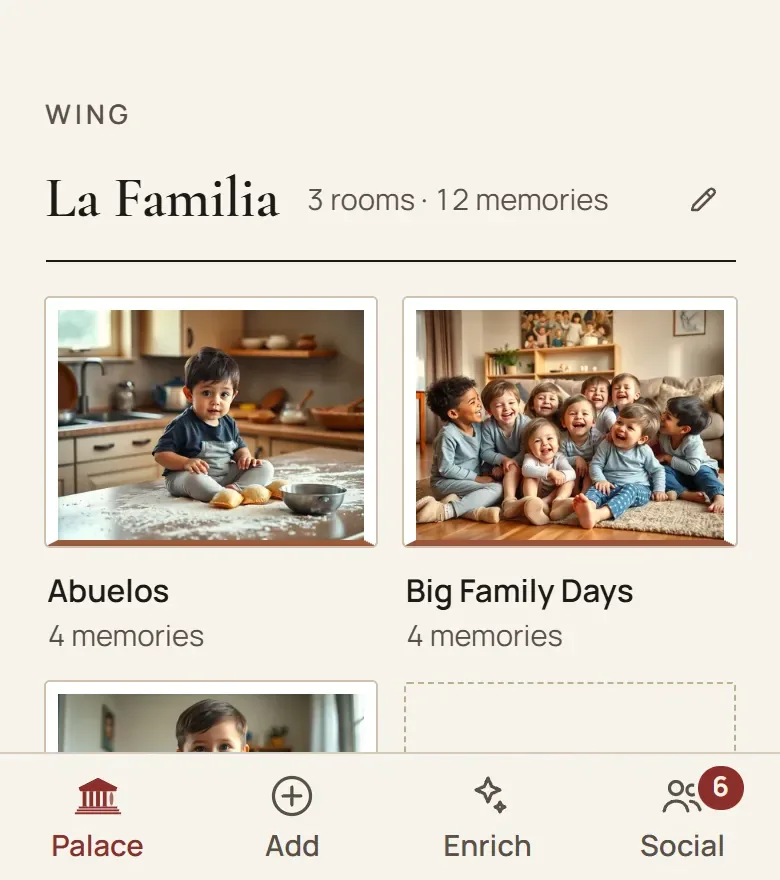
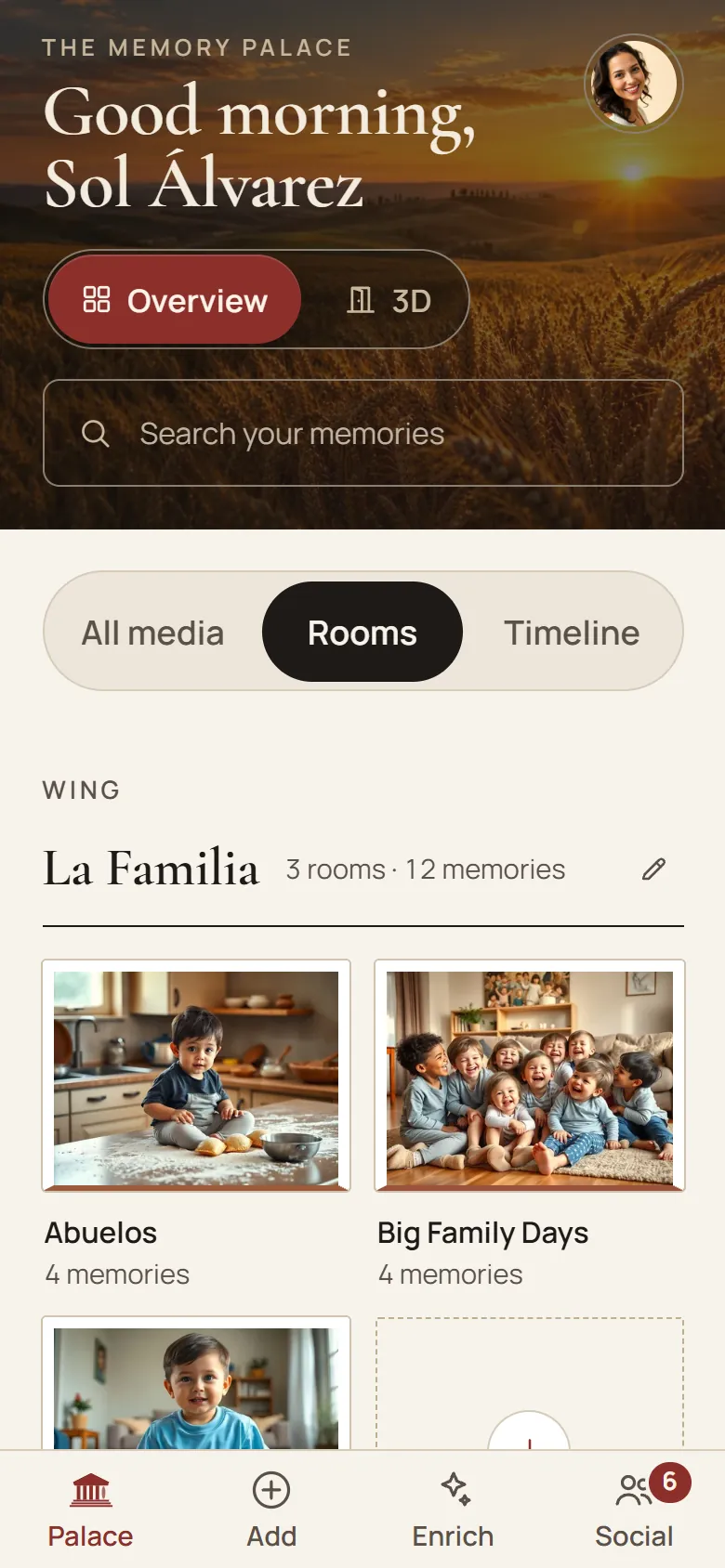
See your wings and rooms at a glance. Open a room with one tap, or walk through it in 3D the way you walk through a museum, on your phone or computer.
Wings and rooms · flat or in 3D · large text
Your own 3D memory palace
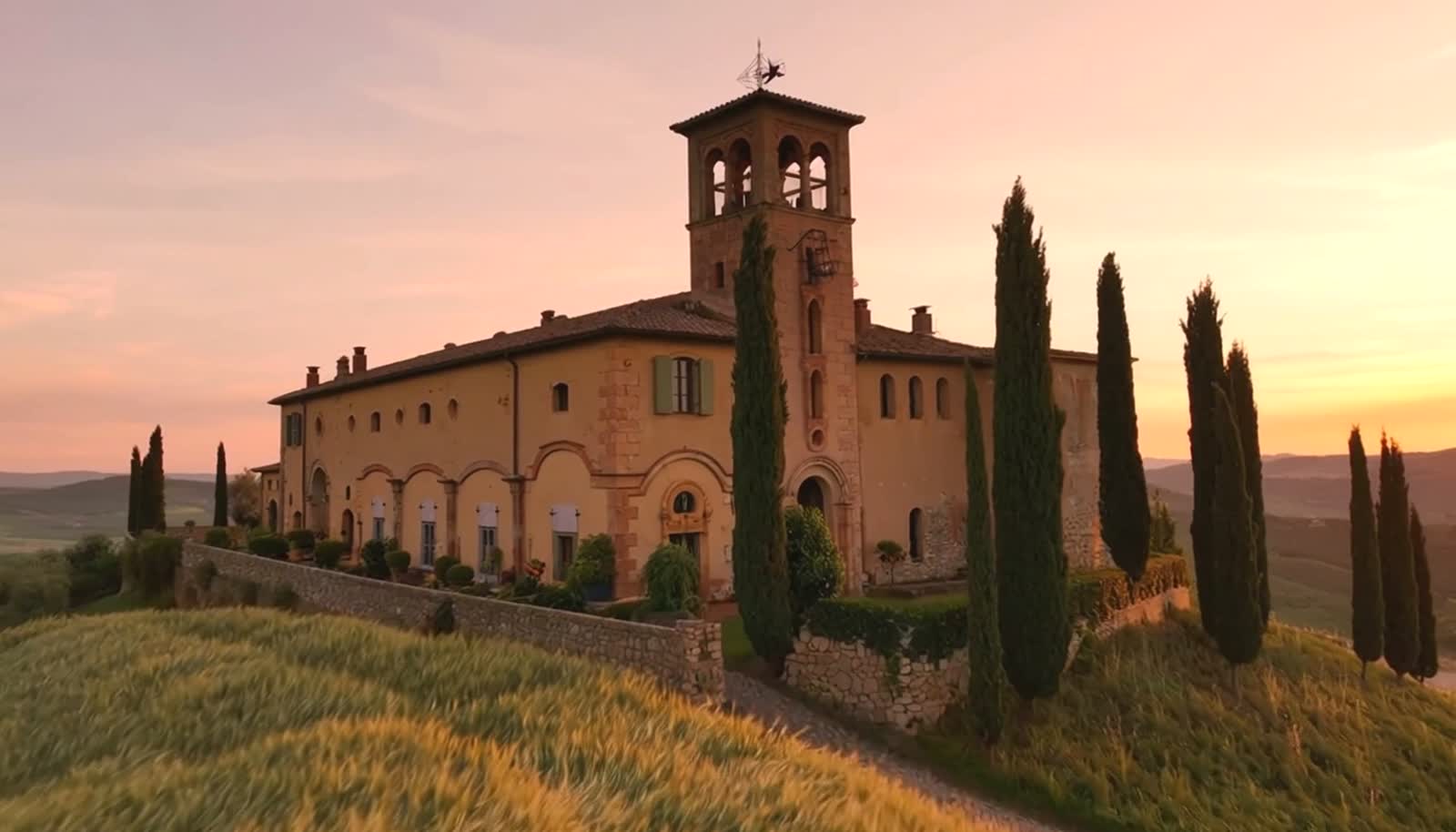
Every memory gets a place on the wall, with a name, a year and the voice that belongs to it. You walk through it on your phone or computer. Private, until you let family or friends in.Every memory a place, with a name, a year and a voice. Private, until you let family or friends in.
Free, with no end date · No credit card needed
See it in motion
Forty-five seconds, no sound needed. From one photo above the fireplace to the whole palace.
Free, no account needed
Three doors that open right away. What you make there, you can hang in your palace later.
Encrypted and stored in the EU, in line with the GDPR.
What your palace does
Palace, Add, Enrich and Social: those are the four buttons in the app, and that is how you read it here. Every image is the app itself, in your language.
01 · Overview
See your wings and rooms at a glance. Open a room with one tap, or walk through it in 3D the way you walk through a museum, on your phone or computer.
Wings and rooms · flat or in 3D · large text
02 · Every photo
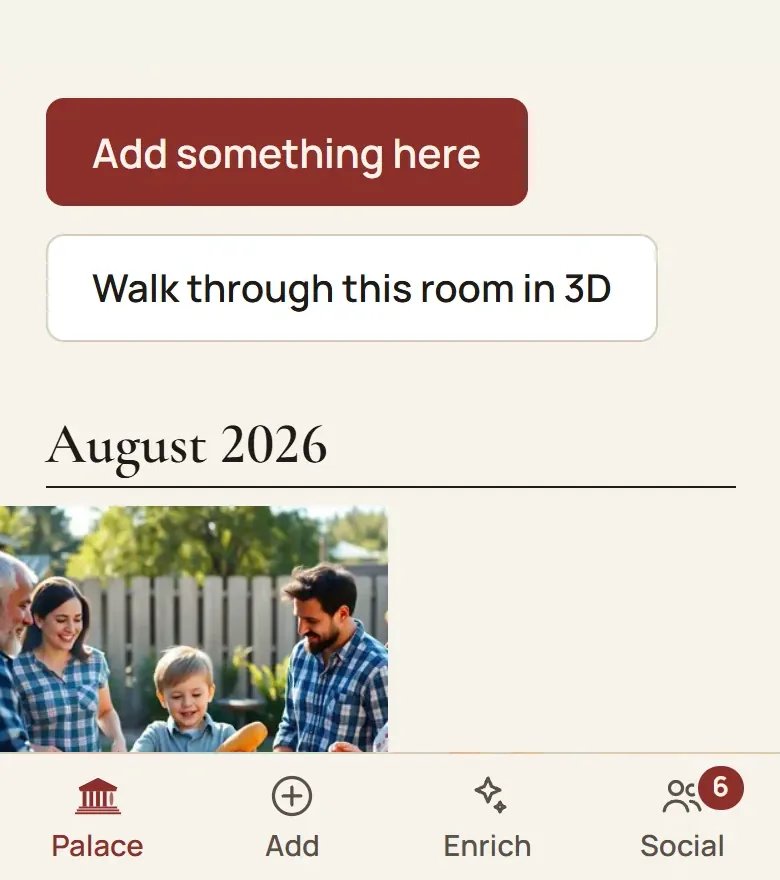
Every photo carries who is in it, when it was, and the story behind it. So no one has to guess later who that woman on the stairs was.
A name and a year on every photo · the story beneath · sorted by room
03 · WhatsApp
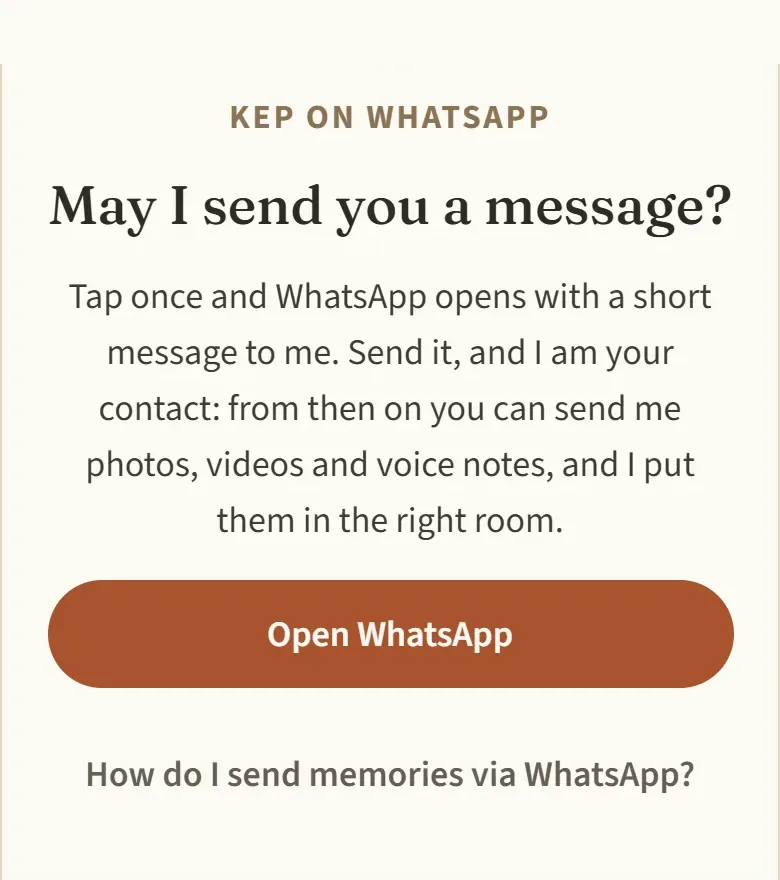
Send a photo or a voice message to Kep, your palace porter, and he hangs it in the room you chose. Nothing new to learn: you already know WhatsApp.
Photos, videos and voice messages · Kep has his own number
04 · What you already have
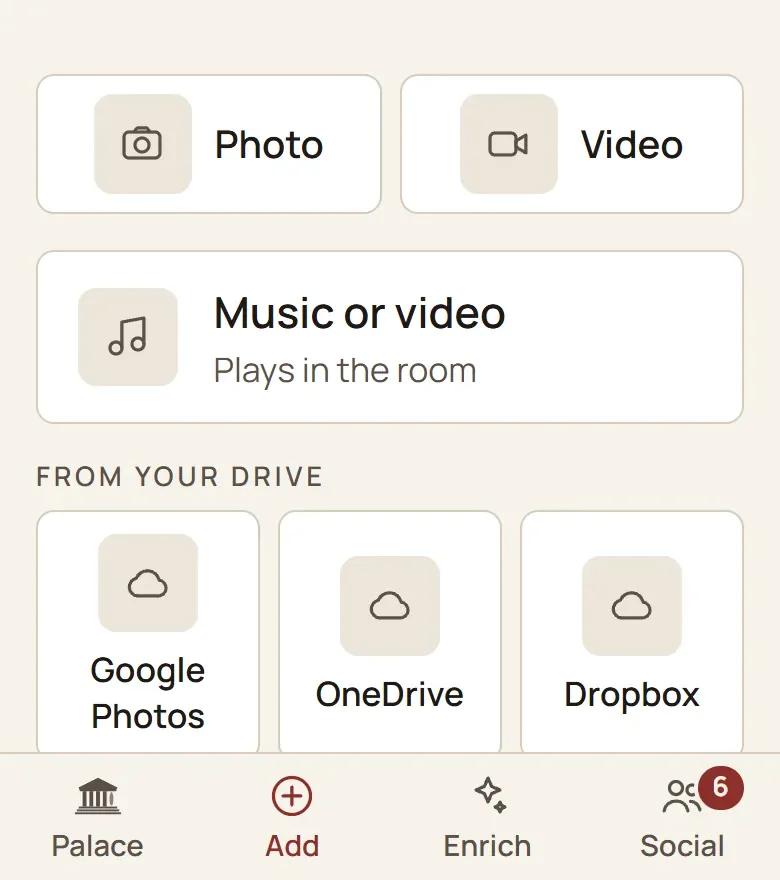
Pick your photos in Google Photos and bring them in from your phone or as a download. Your originals stay where they are, untouched. Dropbox and OneDrive come with a paid plan.
Google Photos on every plan · Dropbox and OneDrive on a paid plan
05 · Collect
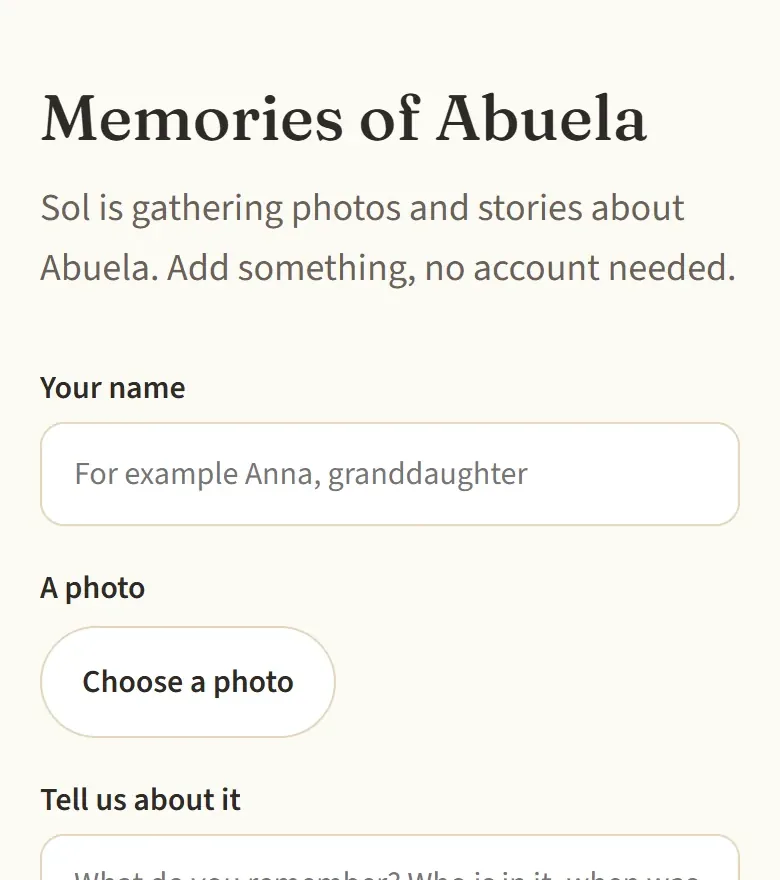
Send one link to family & friends. Whoever opens it adds a photo, a few lines or a voice message, without an account. You see everything come in and remove what doesn't belong.
No account needed · per room · you can always withdraw it
06 · Step by step
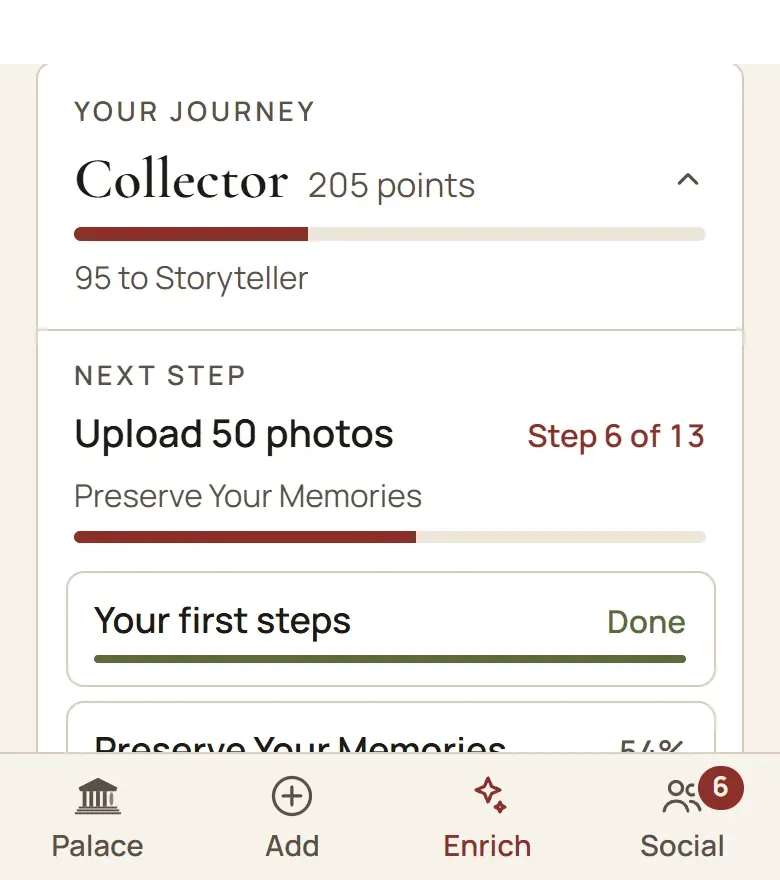
Kep asks for one small thing at a time: a name, a year, a place or the story behind it. Your palace grows richer step by step, at your own pace, and you can see how far you have come.
One question at a time · you see your progress
07 · Tell it
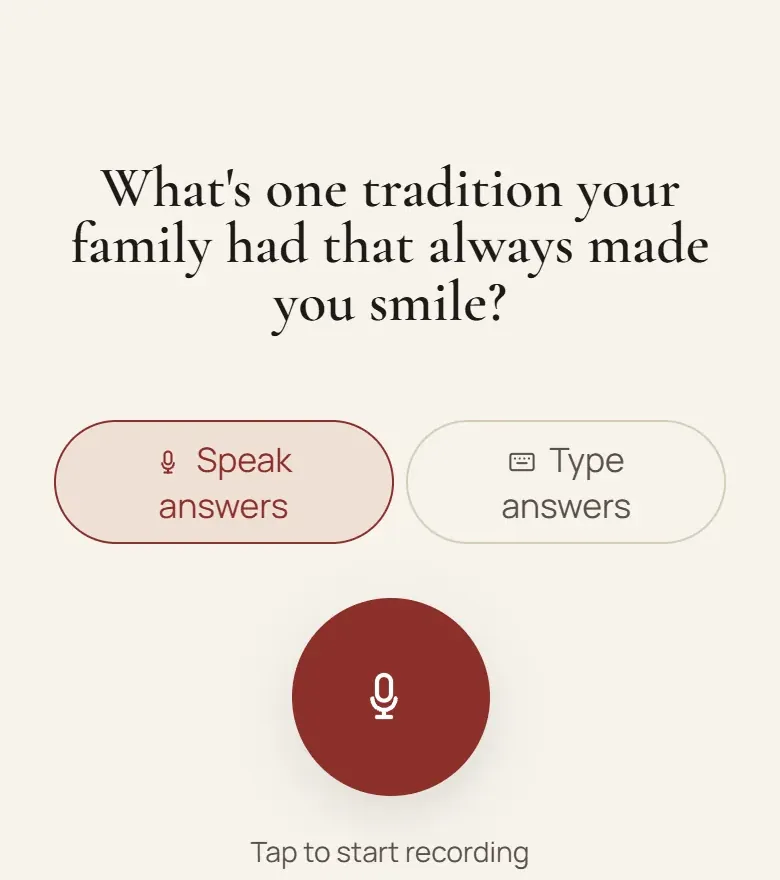
A gentle interviewer asks about growing up, your parents, that one great love, and follows up on what you say. Say it out loud, and it is kept word for word.
Speak or type · two conversations on the free plan · in your own words
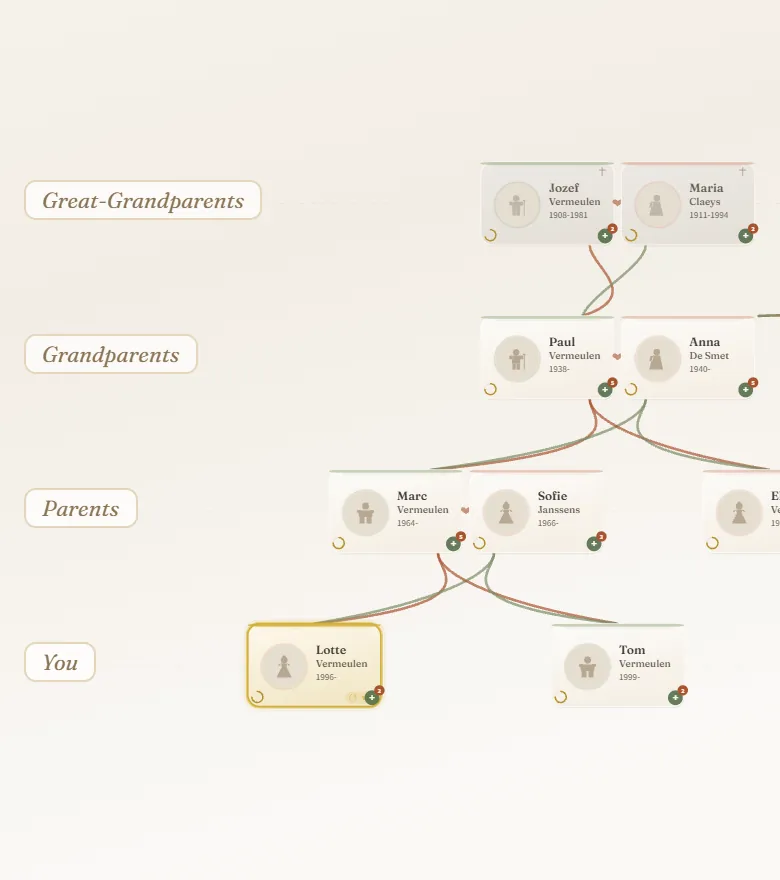
08 · Family tree
Each person has their own photos and stories. A tree you already built elsewhere comes along as a GEDCOM file, no retyping. And you can always take it back out.
GEDCOM in and out · up to 250 people on the free plan
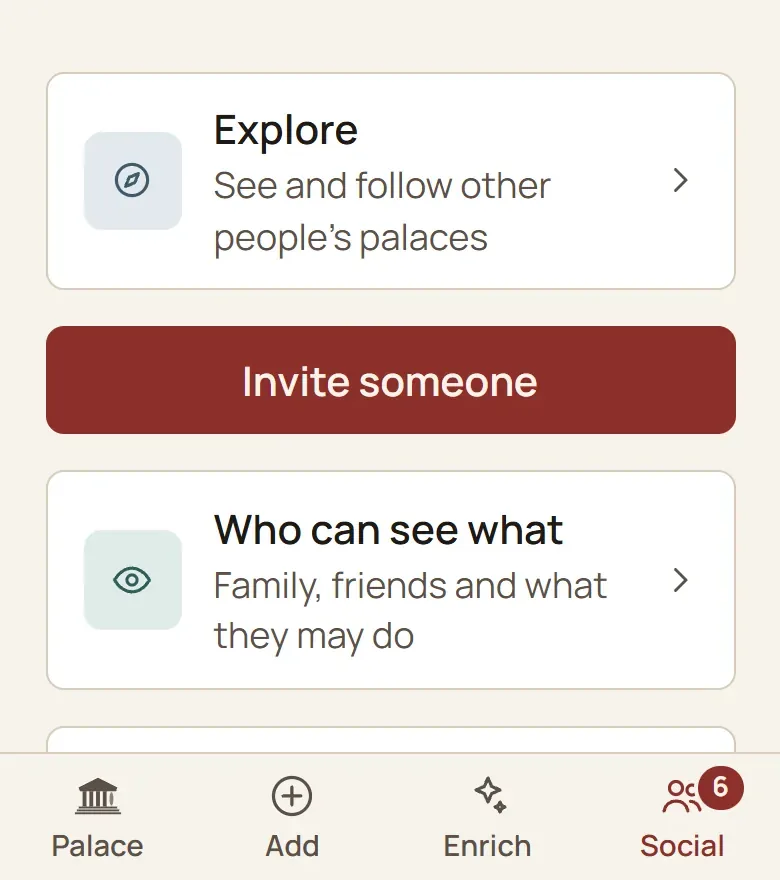
09 · Share
Share one room or a whole wing with the people you choose. They look along and add their own, free of charge: your daughter her wedding photos, your brother that holiday video from 1998. You can always take it back.
By room or by wing · you can always stop sharing
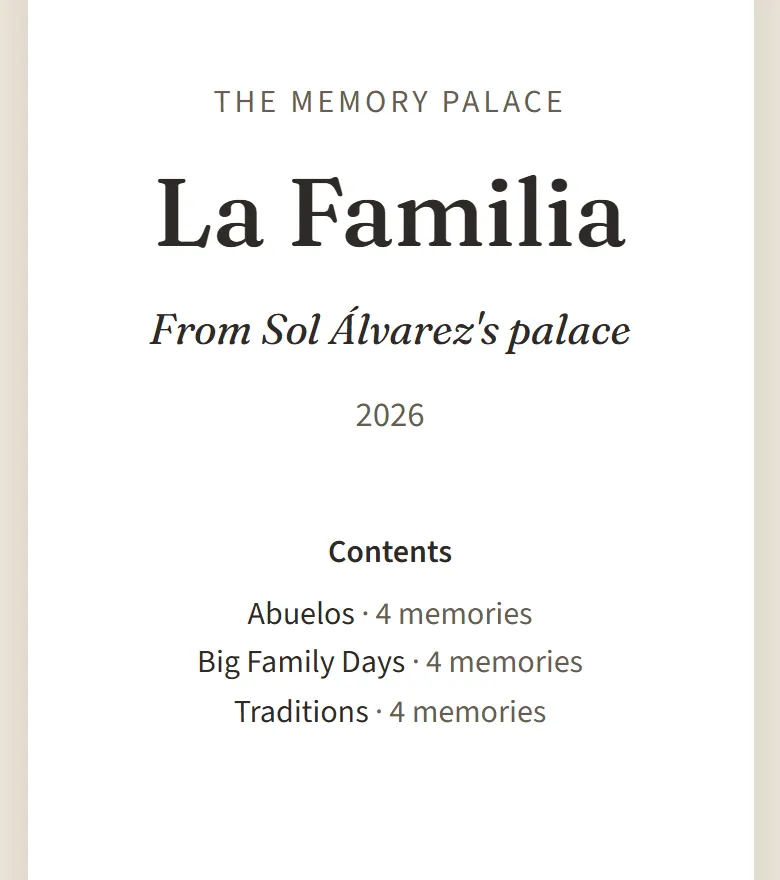
10 · The book
Turn a wing into a book to print: every photo with its story, and next to every voice a code. Scan it with a phone and you hear the real recording.
Print or save as PDF · real voices, never imitated
01 · Overview
See your wings and rooms at a glance. Open a room with one tap, or walk through it in 3D the way you walk through a museum, on your phone or computer.
Wings and rooms · flat or in 3D · large text
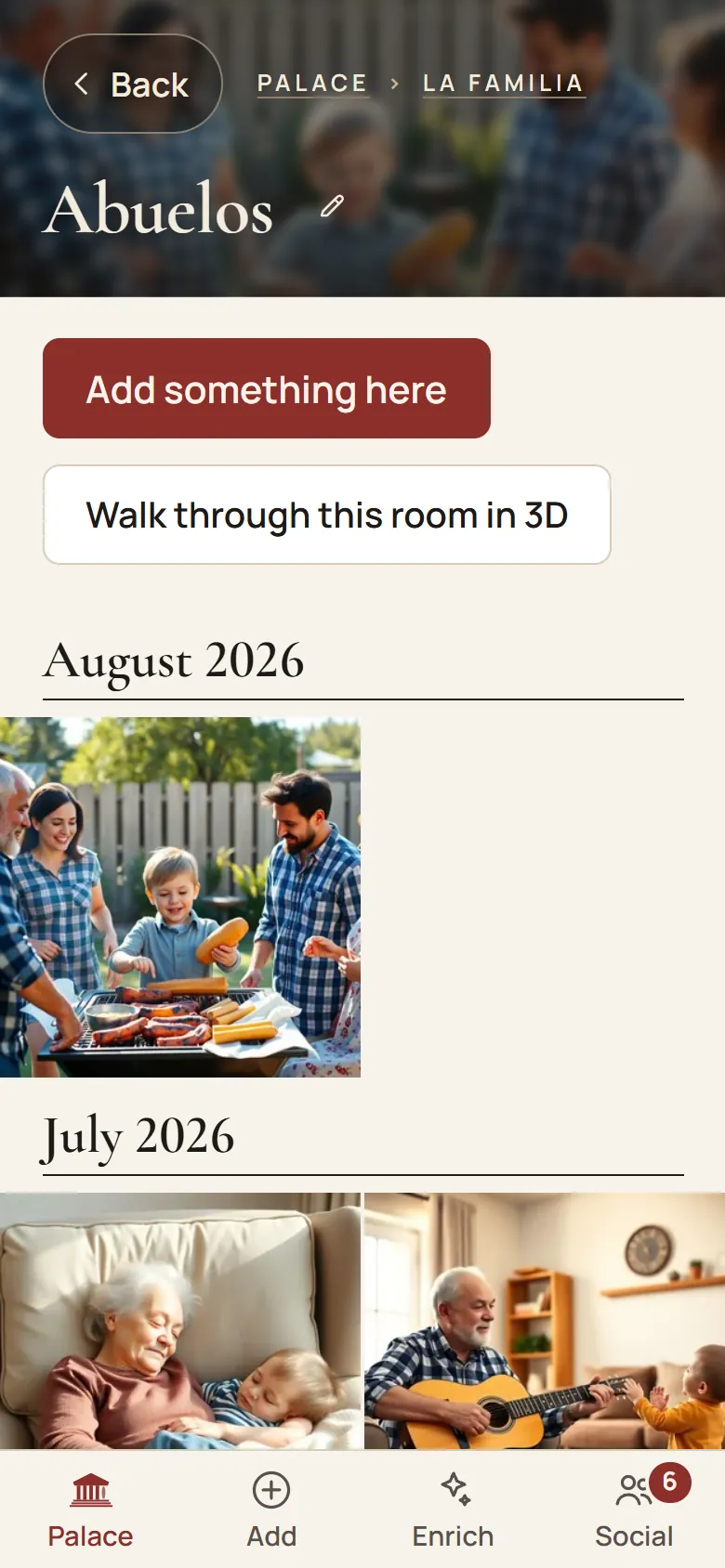
02 · Every photo
Every photo carries who is in it, when it was, and the story behind it. So no one has to guess later who that woman on the stairs was.
A name and a year on every photo · the story beneath · sorted by room
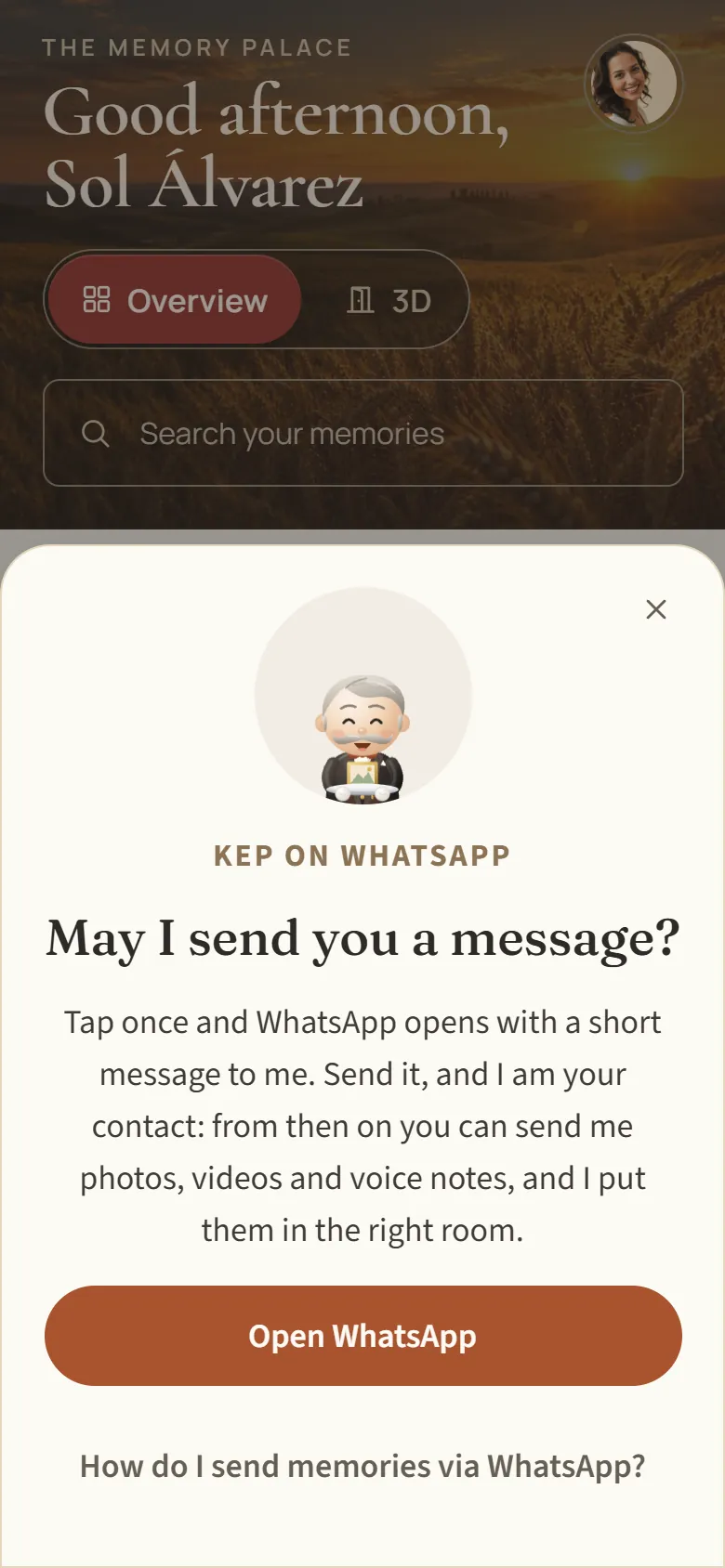
03 · WhatsApp
Send a photo or a voice message to Kep, your palace porter, and he hangs it in the room you chose. Nothing new to learn: you already know WhatsApp.
Photos, videos and voice messages · Kep has his own number
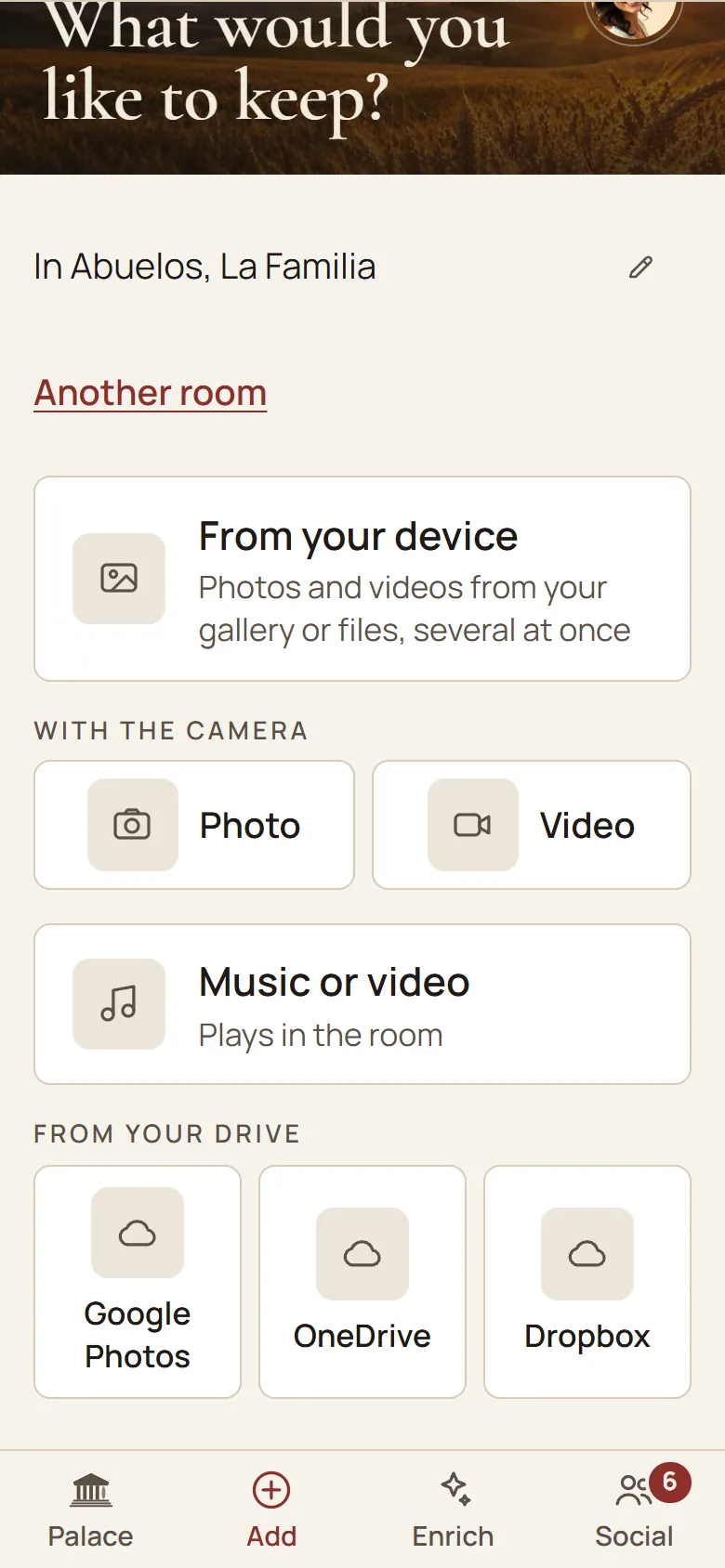
04 · What you already have
Pick your photos in Google Photos and bring them in from your phone or as a download. Your originals stay where they are, untouched. Dropbox and OneDrive come with a paid plan.
Google Photos on every plan · Dropbox and OneDrive on a paid plan
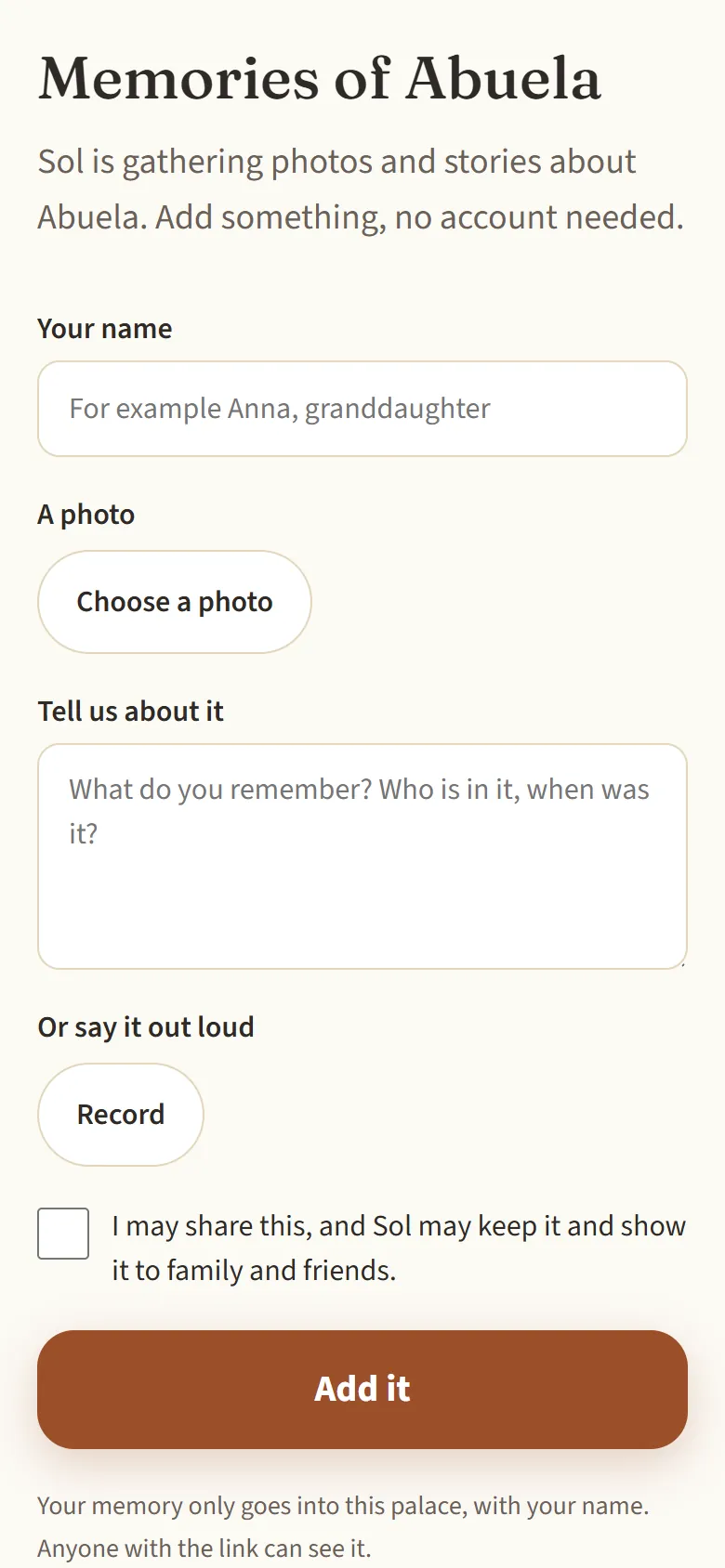
05 · Collect
Send one link to family & friends. Whoever opens it adds a photo, a few lines or a voice message, without an account. You see everything come in and remove what doesn't belong.
No account needed · per room · you can always withdraw it
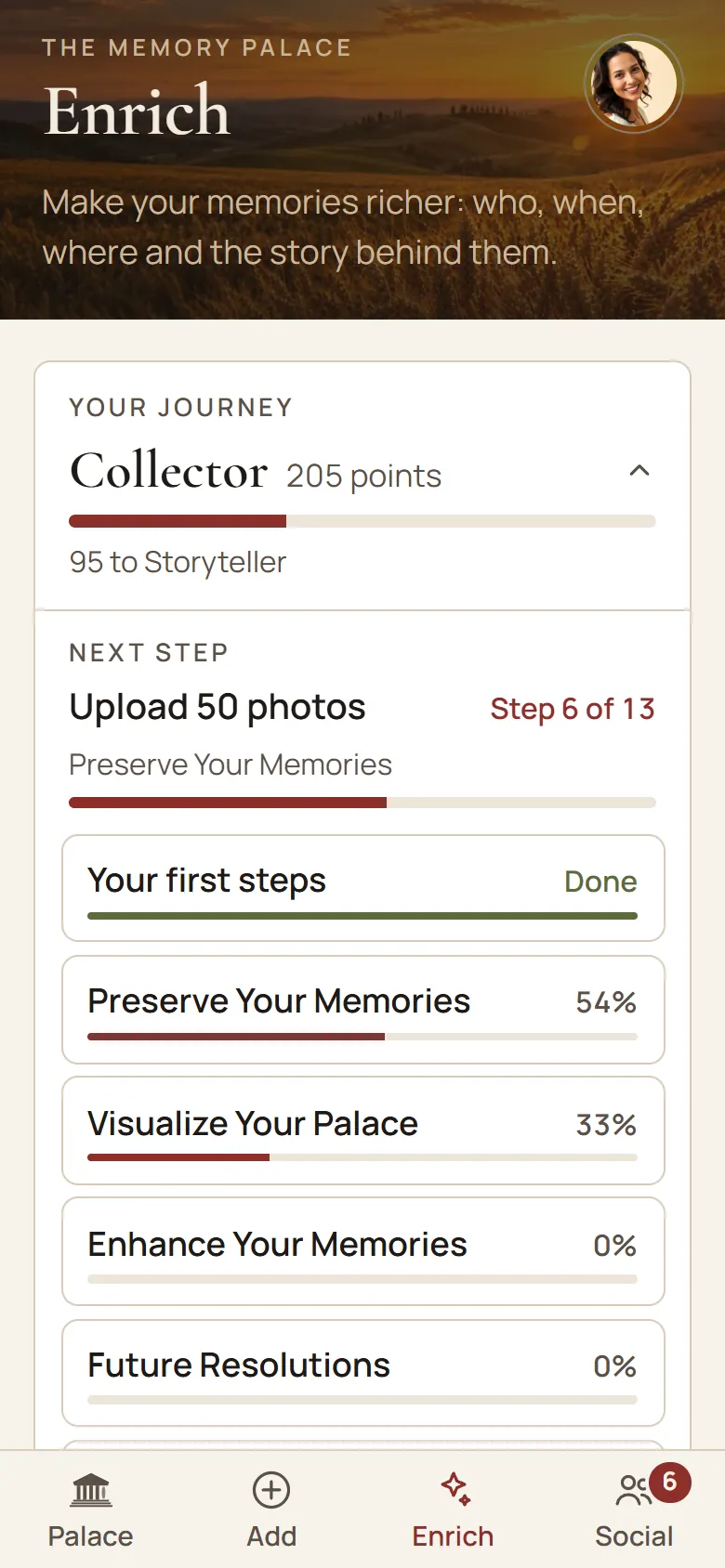
06 · Step by step
Kep asks for one small thing at a time: a name, a year, a place or the story behind it. Your palace grows richer step by step, at your own pace, and you can see how far you have come.
One question at a time · you see your progress
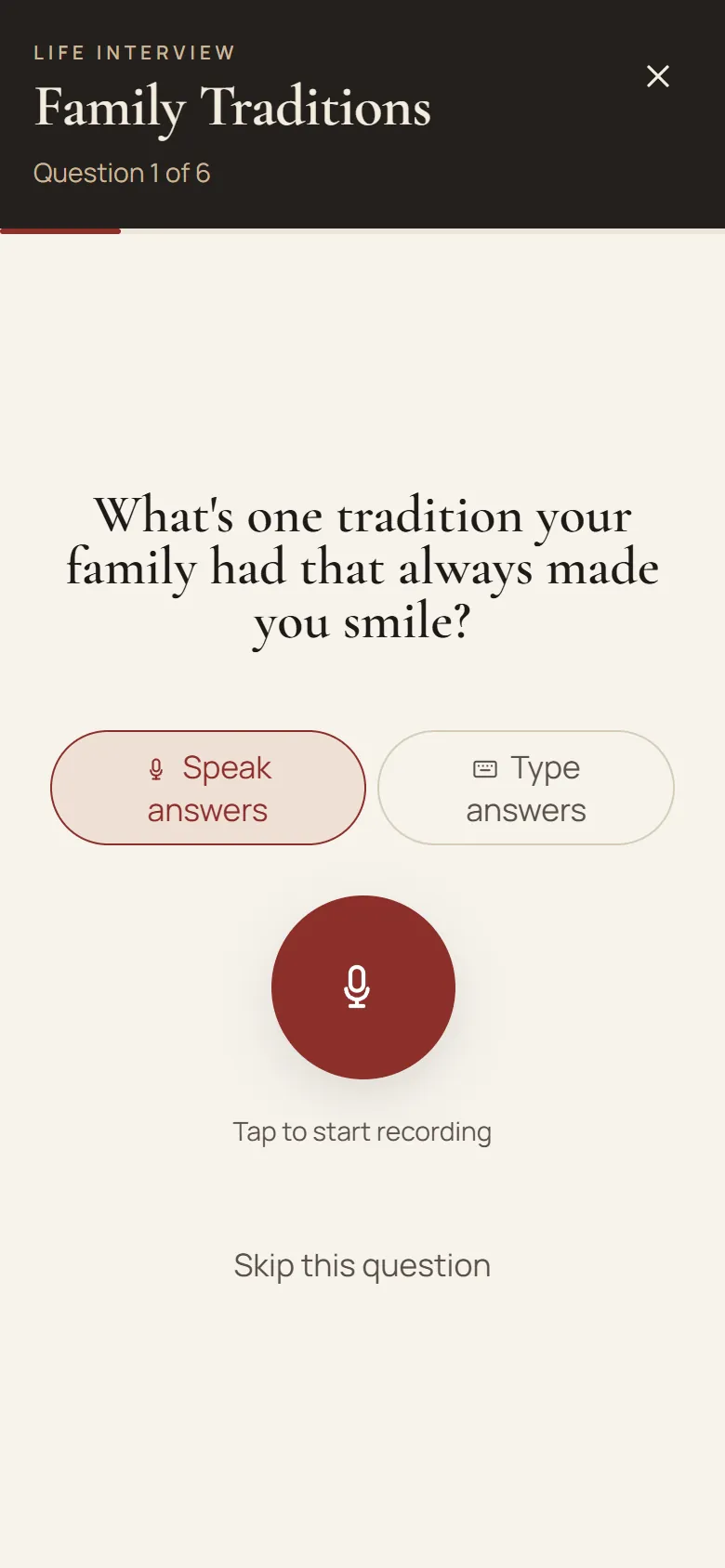
07 · Tell it
A gentle interviewer asks about growing up, your parents, that one great love, and follows up on what you say. Say it out loud, and it is kept word for word.
Speak or type · two conversations on the free plan · in your own words
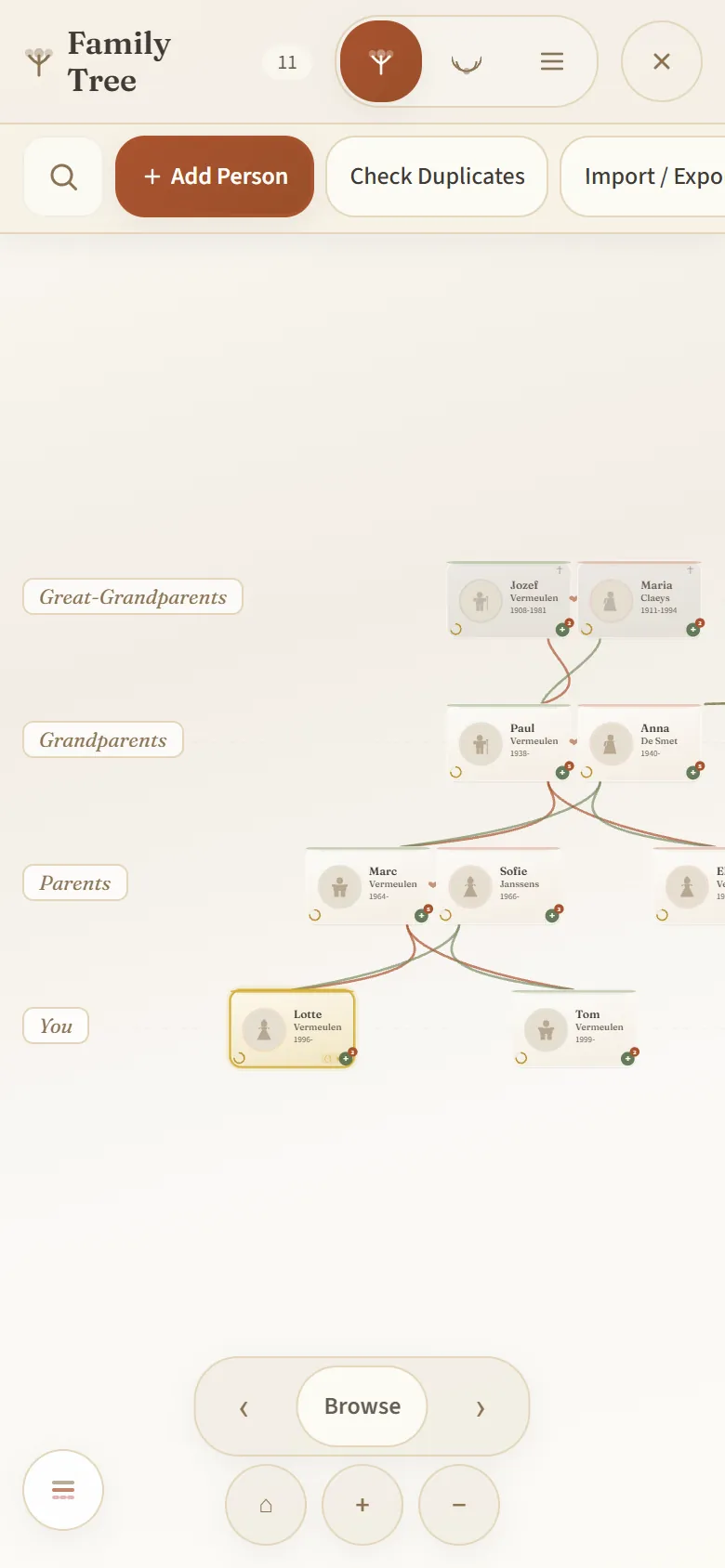
08 · Family tree
Each person has their own photos and stories. A tree you already built elsewhere comes along as a GEDCOM file, no retyping. And you can always take it back out.
GEDCOM in and out · up to 250 people on the free plan
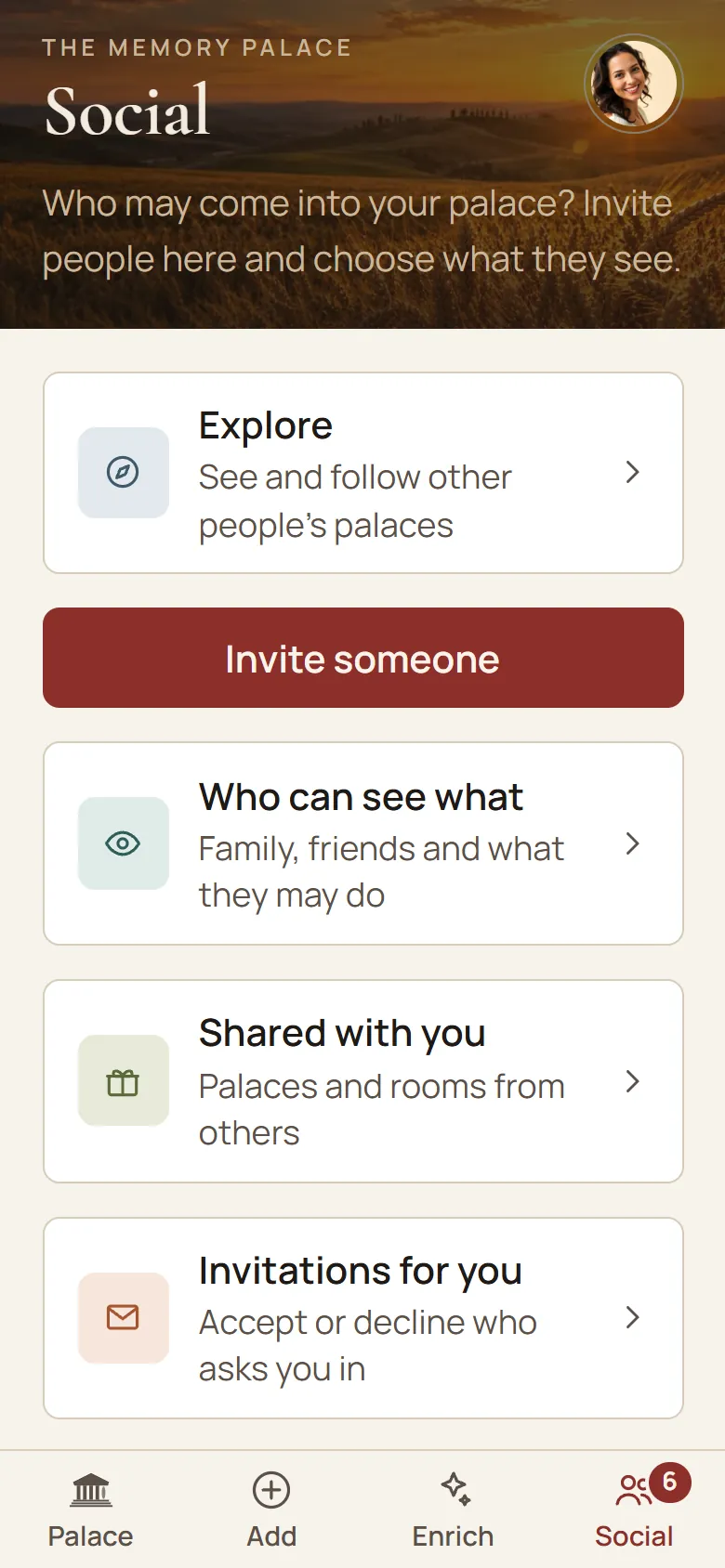
09 · Share
Share one room or a whole wing with the people you choose. They look along and add their own, free of charge: your daughter her wedding photos, your brother that holiday video from 1998. You can always take it back.
By room or by wing · you can always stop sharing
10 · The book
Turn a wing into a book to print: every photo with its story, and next to every voice a code. Scan it with a phone and you hear the real recording.
Print or save as PDF · real voices, never imitated
Free, no account needed
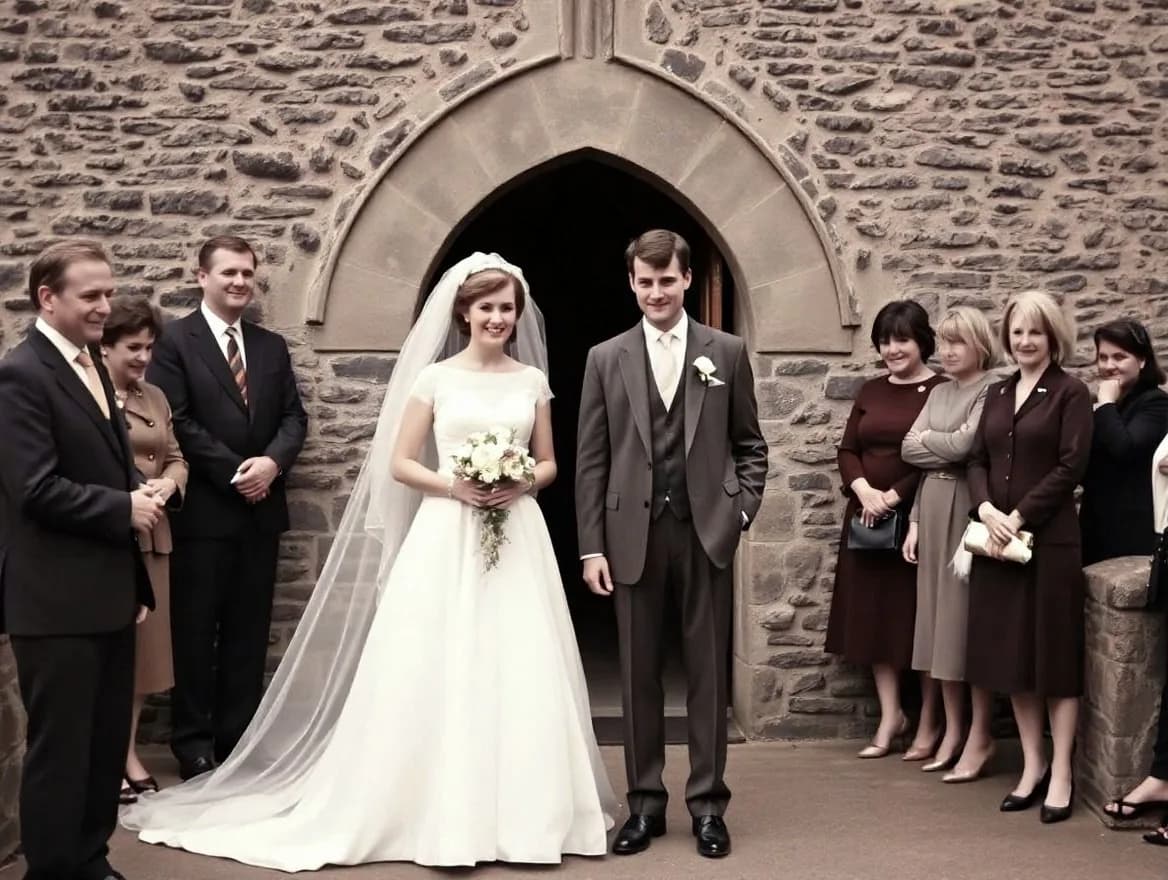
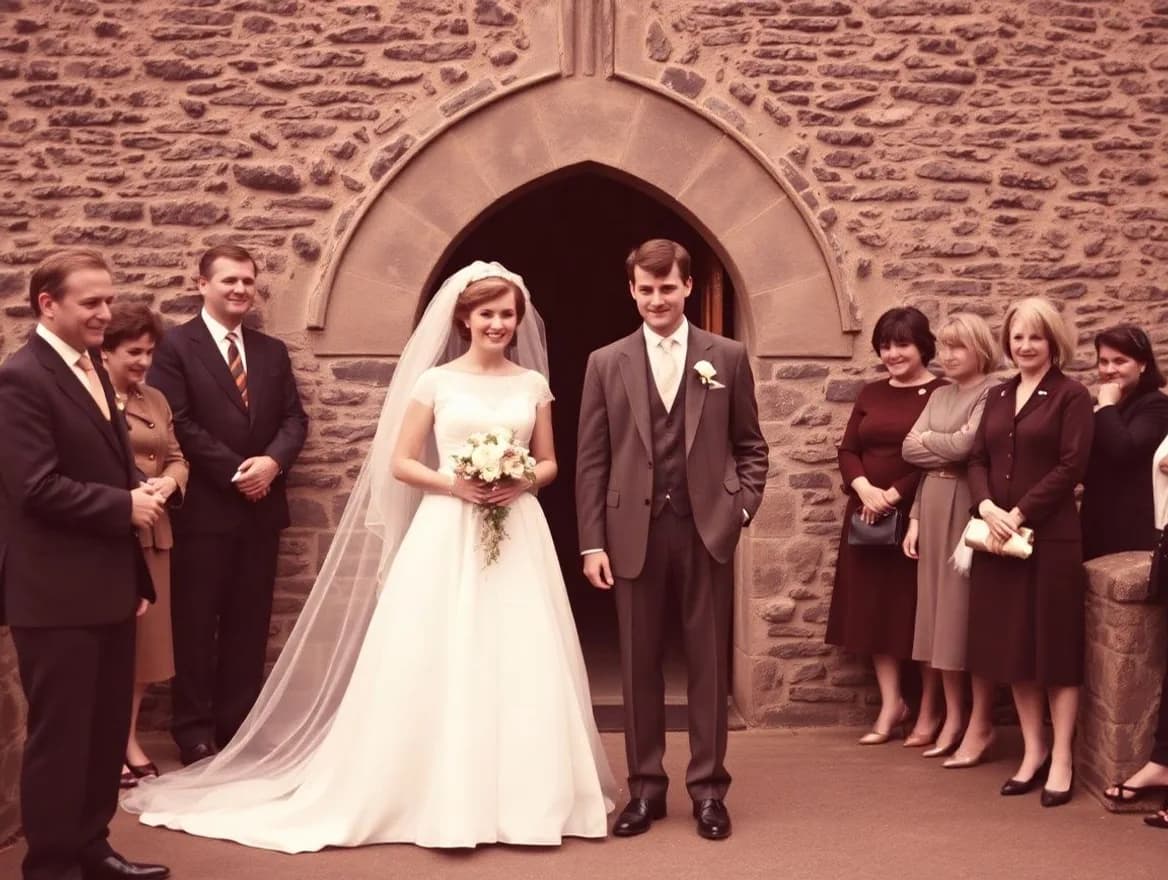
A faded or torn photo becomes clear again, and in color if you like. AI does that, and the result is always labeled. The original is kept.
A scan or a photo taken with your phone is enough. Give it a moment: before and after appear side by side.
Keep the result, or hang it in your palace.
For your mother, father, grandmother or grandfather
Start with one question. You sit with them, they talk, and every answer stays in their own words.
Or for someone who is no longer here: what you remember gets a room as well.
Doing this for someone you love?
Whose story is it?
Where did your mother grow up, and what do you remember about that house or that street?
Ask this questionWho answers? The person it is about, or you. Feel free to pass the phone.
Free, no account needed. Nothing leaves your browser and nothing is stored.
Share this page on WhatsAppWhy a palace
You leaf through an album, you scroll through a folder. A palace you walk into: every room a chapter, every photo in its fixed place, with the name and the story beside it. You do not have to memorise anything: the palace keeps it for you.
Separate from the app: a free generator for the classic memory techniqueYour porter
Every palace has someone who knows where everything belongs. Kep takes your photos, voices and stories, puts them in the right room and keeps the doors open. There is nothing to learn.
Start with one photo. The rest comes room by room.
Free, with no end date · No credit card needed
An app for iPhone, Android and the browser. You bring together photos, voice recordings, your family tree and the stories of your loved ones in the rooms of a 3D palace, with room for a name and a year on every photo.
The free plan has no end date: 1 GB, a family tree of up to 250 people and two interviews. Family & friends add to what you share for free. The legacy settings are part of a paid plan. The plans are on the pricing page.
No. If you can send a photo on WhatsApp to your grandchild, you can send one to Kep. He hangs it up for you. Prefer the computer? Then you drag your photos into the browser. And if you like, a child or grandchild sets up the palace and you only tell.
No one, until you share a room or a wing yourself. You can stop sharing at any time. How we store and process your photos is explained under Security and in the privacy policy.
AI is a helper, never in charge, and it does not train on your memories. It helps restore old photos, asks the questions in the app's interview and can write a story from the answers. It transcribes speech and puts photos you send to Kep on WhatsApp into a room. Your own answers are kept word for word, restored photos are always labeled, and nothing changes without you seeing it.
Yes. Export it from your genealogy program as a GEDCOM file and read it in; the people then stand in your palace, ready for photos and stories. You can always take it back out as GEDCOM. The free plan keeps 250 people.
Yes. You create the palace and sit with them, they tell. Then share a room or a wing with the rest of the family, or create a group for family & friends.
Yes: on iPhone, on Android and in the browser on your computer. It is one palace, wherever you log in.
Google Photos keeps images, a photo book keeps a selection. A palace also keeps who is in the picture, when it was and what was told about it, and you choose who comes in. Your photos in Google Photos simply stay there.
Then you hear from us at least 90 days in advance and receive your complete archive, as ZIP and as GEDCOM. That is in our terms.
No. The name comes from the old memory technique, but this is an app for family memories: photos, voice recordings, stories and the family tree each get a room in a 3D palace. If you want to practise the technique itself, the site has a memory palace generator.
Because a palace is a place you walk into, not a list you scroll. Every room is a chapter, every photo has its fixed place, with the name and the story beside it. It is not a memory trainer: you do not have to memorise anything, the palace keeps it for you.